

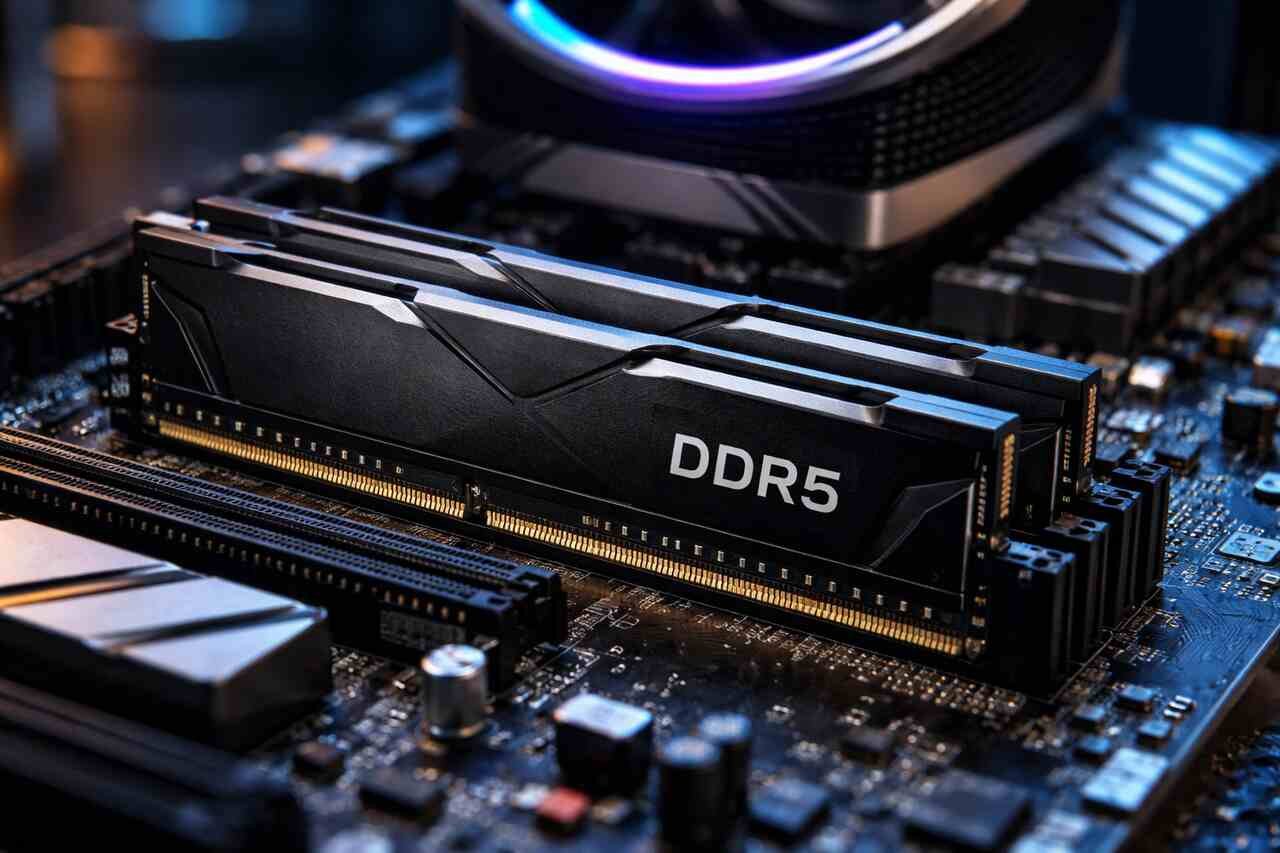
Highlights
- Clear explanation of what 32GB DDR5 RAM delivers in real world usage
- Practical guidance based on my hands-on experience upgrading and testing systems
- Step by step breakdown of performance, compatibility, and use cases
- Action focused sections that help you choose, install, and optimize 32GB DDR5 RAM
- Straightforward answers to common questions without technical confusion
Upgrading to 32GB DDR5 RAM is one of the most impactful improvements you can make to a modern system. I have personally worked with multiple DDR5 builds for gaming, content creation, and professional workloads, and I can confidently say that this capacity and generation changes how a system feels day to day. In this article, I will walk you through everything you need to know in a clear and practical way, speaking directly from experience and explaining what truly matters before and after the upgrade.
Evaluate System Requirements Before Choosing 32GB DDR5 RAM
Before installing 32GB DDR5 RAM, the first thing I always do is confirm that the system is actually ready for it. DDR5 is not backward compatible, so even if you want the upgrade badly, your motherboard and processor must fully support it.
Most modern Intel and AMD platforms released in recent years support DDR5, but the exact memory speed and configuration depend on the motherboard chipset and CPU generation. I have seen users buy high speed kits only to discover their board limits them to lower frequencies, which wastes money and performance.
Another important consideration is your operating system. A 64 bit OS is required to fully utilize 32GB of memory. Without it, a large portion of RAM becomes unusable, which defeats the purpose of upgrading.
Confirm Motherboard and CPU Compatibility
I always recommend checking the motherboard memory support list before purchasing. This list shows tested memory kits and supported speeds. When I skipped this step once, my system booted but crashed under load until I replaced the kit with a supported one.
CPU memory controllers also play a role. Some processors handle higher DDR5 speeds better than others. If your CPU struggles with high frequencies, running 32GB at a slightly lower speed can provide better stability.
Check BIOS and Firmware Readiness
Updating the BIOS is a step many people ignore, but I never do. New BIOS versions improve DDR5 stability and compatibility. After updating, I usually see faster boot times and fewer memory errors.
Enabling XMP or EXPO profiles is also essential. Without this, your 32GB DDR5 RAM will run at base speeds, leaving performance on the table.
Select the Right Speed and Latency for 32GB DDR5 RAM
Not all 32GB DDR5 RAM kits perform the same. Speed and latency determine how responsive your system feels, especially in memory intensive tasks like gaming, video editing, and multitasking.
From my experience, DDR5 speeds starting at 5600 MHz offer a noticeable improvement over DDR4. However, higher numbers do not always mean better results if latency increases too much.
Balancing frequency and timing is key. A well tuned 32GB DDR5 kit provides smooth performance without instability.
Understand Frequency and Timing Balance
Higher frequency increases data transfer rates, while lower latency reduces delay. I have tested 6000 MHz kits with tighter timings that outperformed 6400 MHz kits with looser timings in real applications.
For most users, 6000 MHz with optimized timings is the sweet spot. It offers excellent performance without pushing hardware too hard.
Match Speed to Your Usage Needs
If you mainly game, you will benefit from higher speeds. If you edit videos or work with large files, capacity and stability matter more than raw speed.
I personally chose a balanced kit for my workstation because reliability mattered more than chasing benchmarks.
Install 32GB DDR5 RAM Correctly for Maximum Stability
Installing 32GB DDR5 RAM is straightforward, but small mistakes can cause major issues. I have helped many people troubleshoot problems that came down to incorrect installation.
Proper slot placement ensures dual channel operation, which doubles memory bandwidth. Skipping this step cuts performance significantly.
Taking your time during installation prevents unnecessary headaches later.
Use Correct Memory Slot Configuration
Most motherboards require using specific slots for dual channel. These are usually marked in the manual. I always double check before inserting the modules.
Incorrect placement can lead to single channel mode, which reduces performance and responsiveness.
Test Stability After Installation
After installation, I always run memory stress tests. This confirms that the system is stable under load.
If errors appear, adjusting memory voltage or lowering speed slightly often resolves the issue without replacing the kit.
Experience Performance Gains with 32GB DDR5 RAM
The performance improvement from upgrading to 32GB DDR5 RAM is immediate and noticeable. I felt the difference the moment I booted into my system.
Applications launch faster, multitasking becomes smoother, and background processes no longer slow everything down.
This upgrade transforms how a system handles heavy workloads.
Improve Gaming and Application Responsiveness
Modern games use more memory than ever. With 32GB DDR5 RAM, I can run games, voice chat, and background apps without stuttering.
Frame time consistency improves, which matters more than raw frame rate for smooth gameplay.
Enhance Professional and Creative Workflows
For video editing, large photo projects, and 3D rendering, 32GB DDR5 RAM reduces loading times and prevents crashes.
I no longer need to close applications just to free up memory, which saves time and frustration.
Compare 32GB DDR5 RAM with Other Memory Options
Choosing 32GB DDR5 RAM often means comparing it to DDR4 or lower capacity DDR5 kits. I have used all of them, and the differences are clear.
DDR5 offers higher bandwidth and better efficiency, while 32GB capacity provides breathing room for modern software.
This combination future proofs your system better than most alternatives.
DDR5 vs DDR4 Performance Comparison
| Feature | 32GB DDR5 RAM | 32GB DDR4 RAM |
| Bandwidth | Higher | Lower |
| Power Efficiency | Improved | Standard |
| Future Support | Strong | Limited |
| Multitasking | Excellent | Good |
Capacity Comparison for Modern Use
| Capacity | Best Use Case | Limitation |
| 16GB | Basic gaming | Limited multitasking |
| 32GB | Gaming and productivity | Higher cost |
| 64GB | Heavy professional work | Overkill for most |
From my experience, 32GB hits the perfect balance for most users today.
Optimize System Settings for 32GB DDR5 RAM
Once installed, optimizing settings ensures you get the full benefit of 32GB DDR5 RAM. Many users stop at installation, but tuning makes a real difference.
Small adjustments in BIOS and operating system settings improve stability and performance.
I always spend time optimizing after installation.
Adjust BIOS Memory Settings
Enabling XMP or EXPO is essential. I also check memory voltage and gear mode settings for stability.
If crashes occur, slightly reducing frequency often resolves them without noticeable performance loss.
Tune Operating System Memory Usage
Disabling unnecessary startup programs frees memory for important tasks.
I also monitor memory usage during heavy workloads to ensure everything runs smoothly.
Decide If 32GB DDR5 RAM Is Worth the Investment
The final question is whether 32GB DDR5 RAM is worth your money. Based on my experience, the answer depends on how you use your system.
For gaming, content creation, and professional tasks, the upgrade is absolutely worth it.
For basic use, it may be more than you need right now.
Evaluate Cost Versus Performance
DDR5 pricing has improved, making 32GB kits more accessible. I waited until prices stabilized before upgrading, and it paid off.
The performance gain justifies the cost for users who push their systems.
Plan for Future Software Demands
Software requirements continue to increase. Choosing 32GB DDR5 RAM prepares your system for years to come.
I see this upgrade as an investment rather than an expense.
Conclusion
Upgrading to 32GB DDR5 RAM delivers a powerful combination of speed, capacity, and future readiness. From my personal experience, this upgrade transformed how my system handles games, creative work, and multitasking. By choosing the right kit, installing it correctly, and optimizing settings, you unlock the full potential of modern hardware. If you want a smoother, faster, and more reliable computing experience, 32GB DDR5 RAM is one of the smartest upgrades you can make today.
FAQ’s
No. Many modern games benefit from extra memory, especially when multitasking.
It improves stability and frame consistency more than raw FPS.
I do not recommend it. Matching kits ensure better stability.
Yes, especially if you are building a new system or upgrading a supported platform.
Based on current trends, it should remain effective for many years.
